Live retro camera
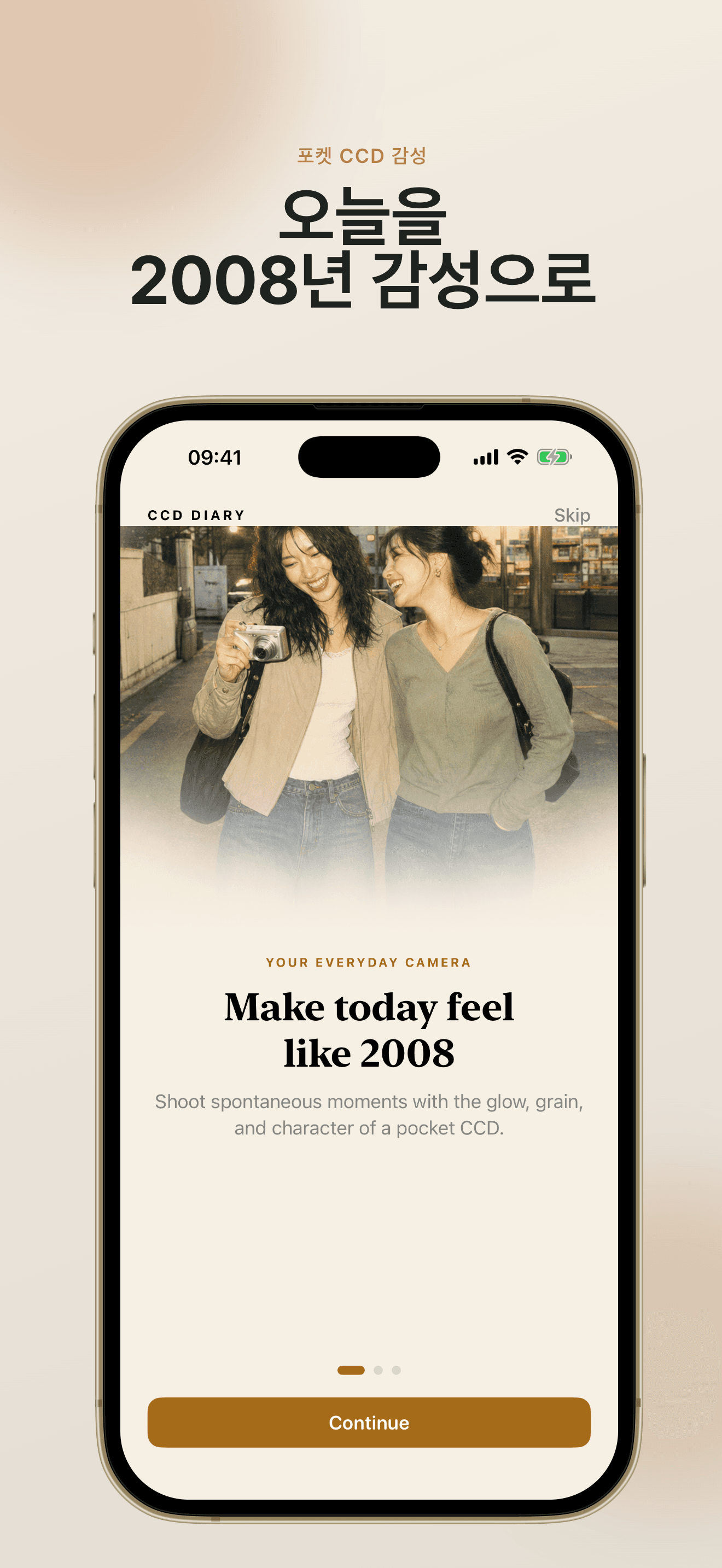
Shoot with a live CCD Diary: Vintage Camera preview, switch lenses, use flash, or import from Photos.
iPhone용 CCD Diary: Vintage Camera
CCD Diary: Vintage Camera는 가벼운 iPhone 빈티지 카메라·사진 편집 앱입니다. 촬영 또는 가져오기, CCD·한국 필름·구형 폰 룩 선택, 그레인·색상 미세 조정, 클래식 날짜 스탬프 추가 후 저장—사진은 기기에만 남습니다.
무료 필터 6종 · Pro로 12종 전체 · 계정 불필요
실시간 CCD 미리보기부터 날짜 스탬프 완성까지—CCD Diary: Vintage Camera는 간단하고 향수 어린 워크플로우를 제공합니다.
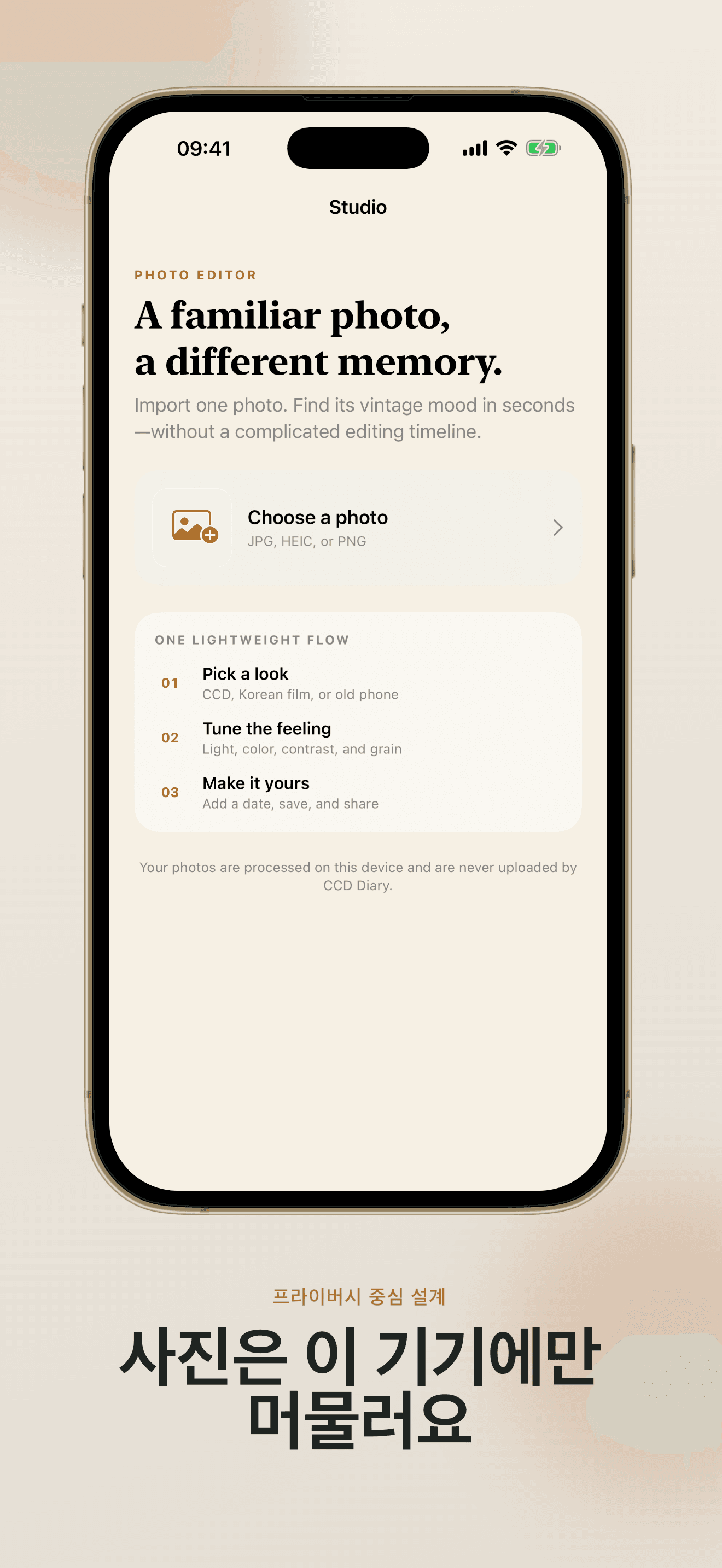
CCD Diary: Vintage Camera는 포ocket CCD 빛, 부드러운 한국 필름, 초기 스마트폰 질감 등 사람들이 그리워하는 분위기에 집중합니다.
Open CCD Diary: Vintage Camera, point, and see the retro look before you tap the shutter. Switch cameras, use flash, or import a favorite photo from your library—CCD Diary: Vintage Camera works either way.
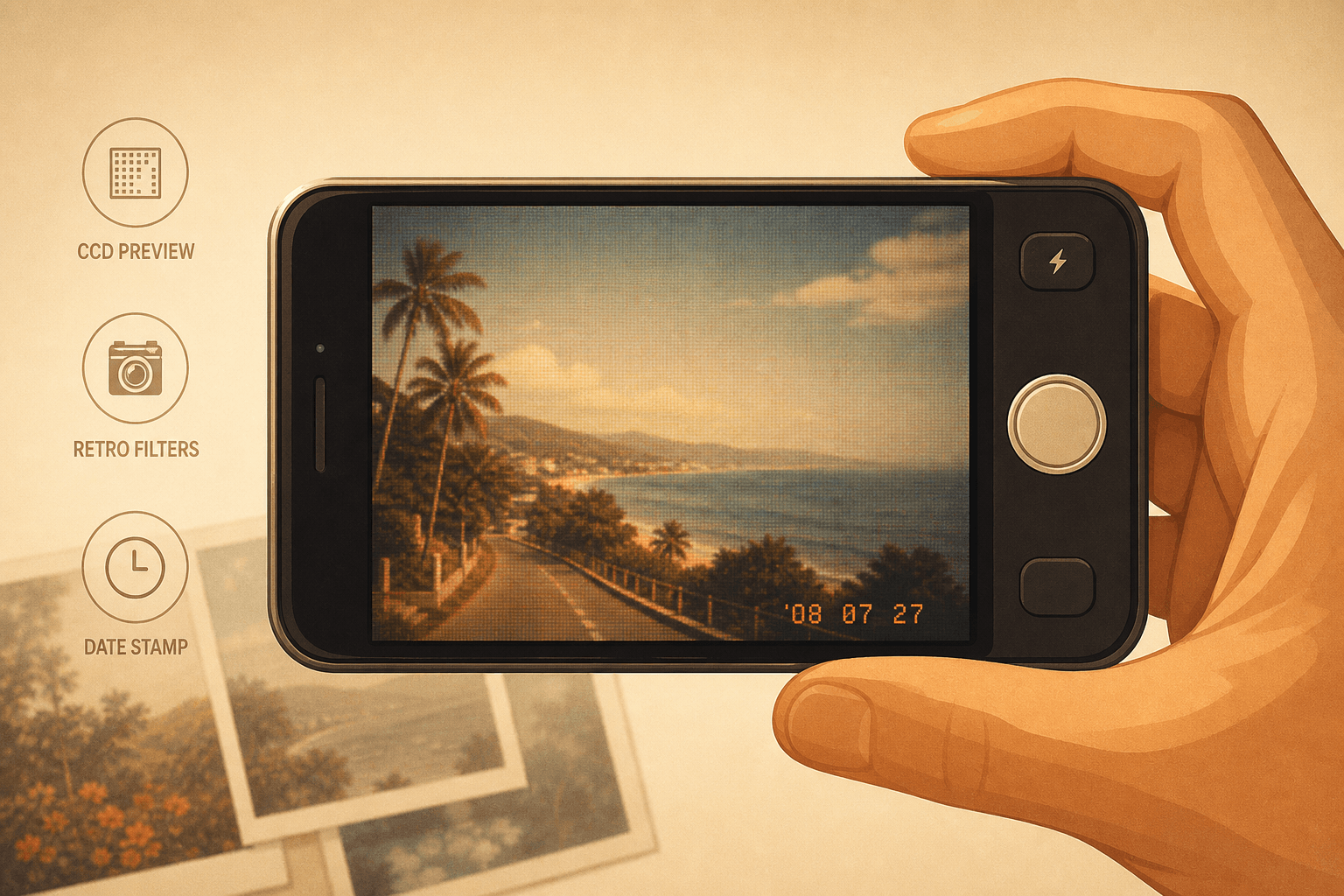
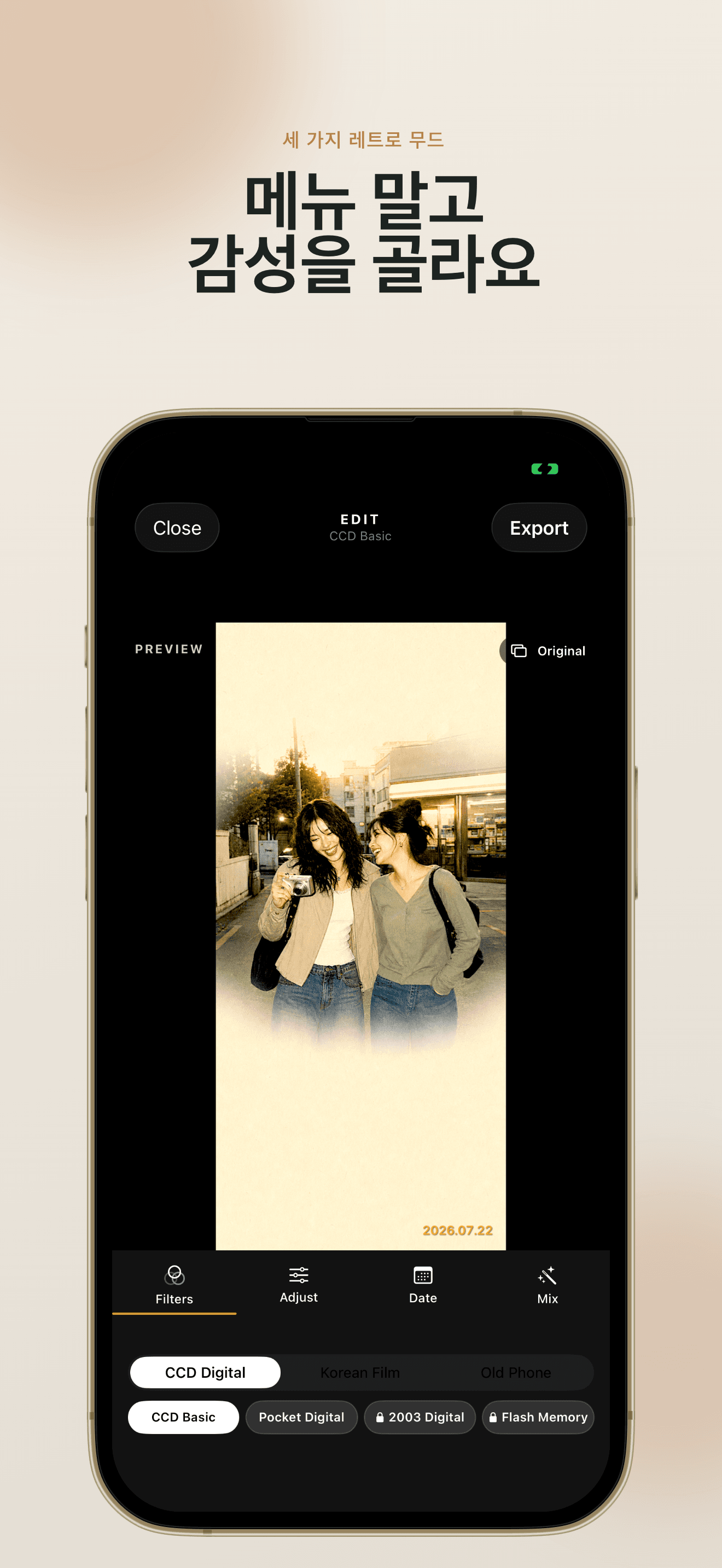
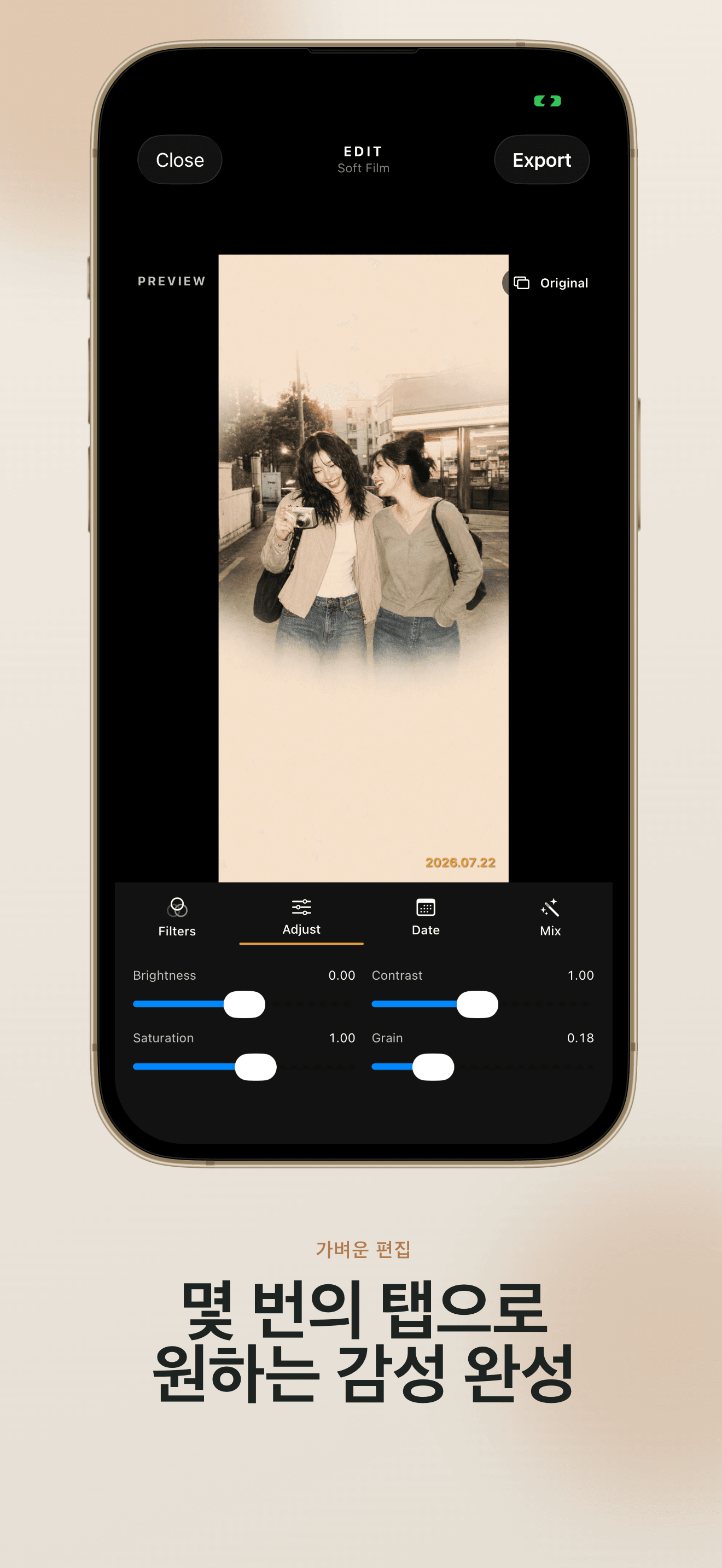
CCD Diary: Vintage Camera groups filters into CCD Digital, Korean Film, and Old Phone styles. Adjust brightness, contrast, saturation, and grain without a complicated timeline—CCD Diary: Vintage Camera keeps editing lightweight.
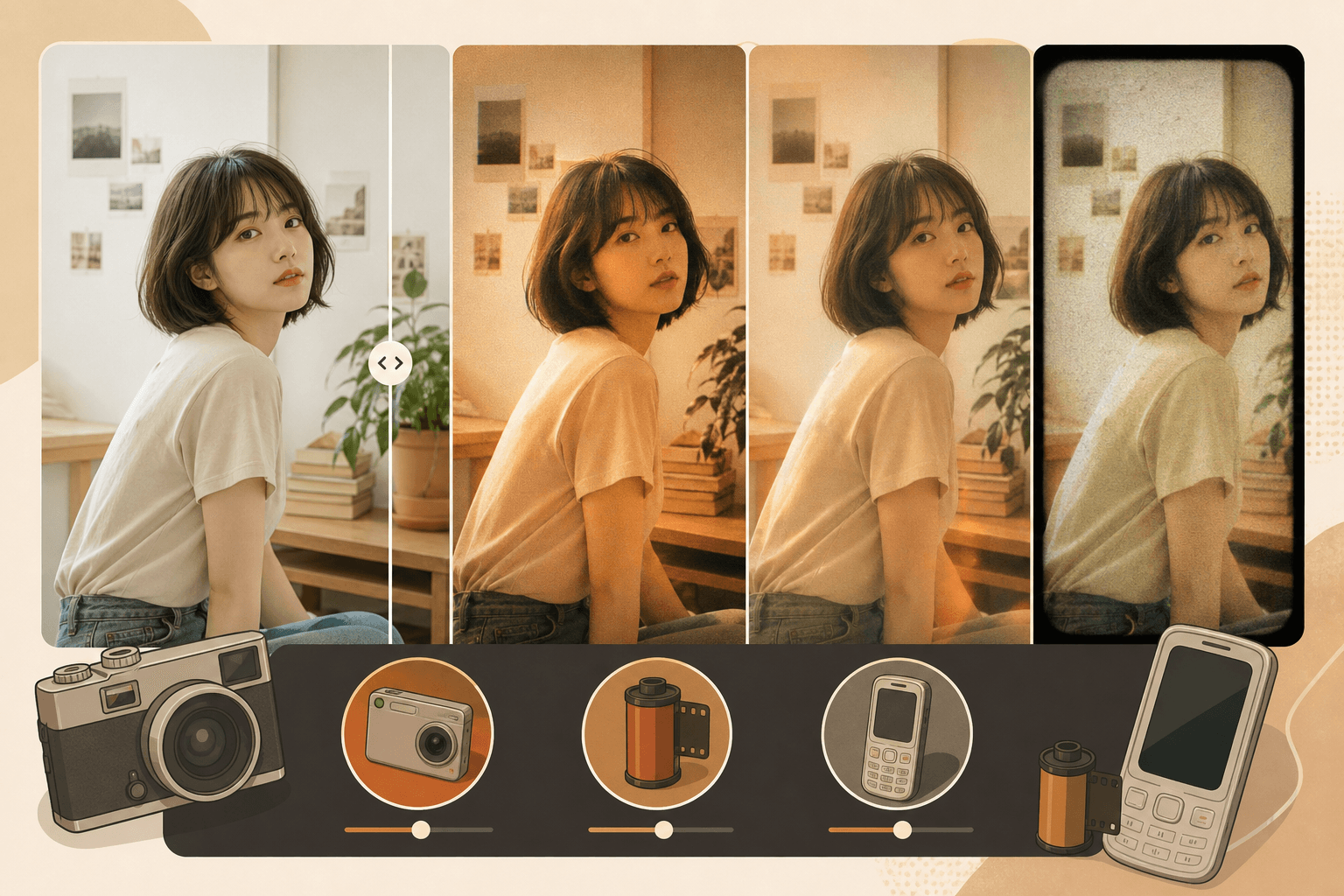
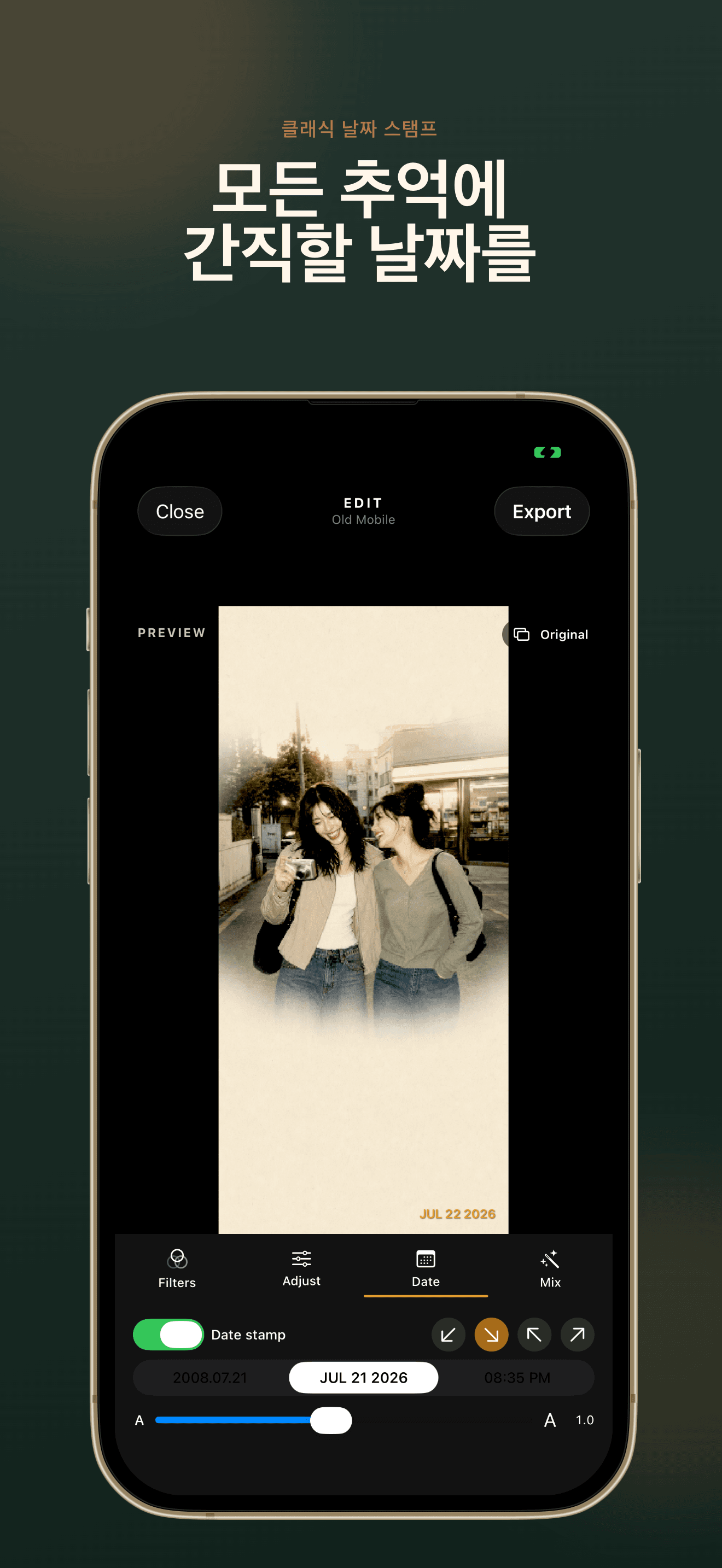
Choose a classic date or time stamp, place it where it feels right, and adjust the size. CCD Diary: Vintage Camera also offers Nostalgia Mix to combine filter, grain, color, and date in one tap.
CCD Diary: Vintage Camera의 모든 기능은 빠른 향수 편집을 위해 설계되었습니다.
Shoot with a live CCD Diary: Vintage Camera preview, switch lenses, use flash, or import from Photos.
CCD Digital, Korean Film, and Old Phone styles—6 free, 6 Pro—inside CCD Diary: Vintage Camera.
Three date styles, four positions, adjustable size—CCD Diary: Vintage Camera makes every photo feel dated on purpose.
One tap in CCD Diary: Vintage Camera combines filter, grain, color, and date for an instant vintage finish.
CCD Diary: Vintage Camera processes photos on your iPhone. No uploads, no account, no tracking SDKs.
Unlock all filters, 4 one-tap presets, advanced effects, and full-resolution export in CCD Diary: Vintage Camera.
다운로드부터 첫 향수 사진까지—몇 번의 탭으로 충분합니다.
Install CCD Diary: Vintage Camera on your iPhone running iOS 17 or later. No account is required—open the app and start shooting or importing right away.
Choose CCD Digital for pocket-camera glow, Korean Film for soft rainy-day color, or Old Phone for early smartphone texture. Free users get 6 filters; Pro unlocks all 12 plus advanced effects.
Try Nostalgia Mix in CCD Diary: Vintage Camera for a one-tap vintage combination.
Add a date stamp, save to Photos, or share to your favorite social apps. CCD Diary: Vintage Camera processes everything on your device—your images are never uploaded.
Pro users export in full resolution without the CCD Diary watermark.
Read FAQCCD Diary: Vintage Camera, 개인정보, Pro에 관한 자주 묻는 질문.
CCD Diary: Vintage Camera is an iPhone app that turns everyday photos into nostalgic 2000s memories. Shoot or import, apply CCD, Korean film, or old-phone filters, add date stamps, and save—all on your device.
No. CCD Diary: Vintage Camera processes every image locally on your iPhone. Your photos are never uploaded to our servers.
No account is required. Open CCD Diary: Vintage Camera and start editing immediately.
Pro unlocks all 12 filters, 4 one-tap presets, advanced effects (dust, light leak, film burn, vintage blur, color fade), and full-resolution export without watermark.
CCD Diary: Vintage Camera requires iOS 17.0 or later.
Tap Restore Purchases in Settings or on the paywall. Purchase verification is the only feature that requires network access.
Turn today's moments into memories that feel like a pocket camera from 2008.
CCD Diary: Vintage Camera is free to download—start with 6 filters and upgrade when you're ready.
App Store · iOS 17+ · 계정 불필요