Live retro camera
Shoot with a live CCD Diary: Vintage Camera preview, switch lenses, use flash, or import from Photos.
iPhone版 CCD Diary: Vintage Camera
CCD Diary: Vintage Cameraは軽量なiPhoneヴィンテージカメラ・写真編集アプリです。撮影またはインポート、CCD・韓国フィルム・旧スマホルックを選び、グレインと色を微調整、クラシック日付スタンプを追加して保存—写真は端末に留まります。
無料フィルター6種 · Proで全12種 · アカウント不要
ライブCCDプレビューから日付スタンプ完成まで—CCD Diary: Vintage Cameraはシンプルでノスタルジックなワークフロー。
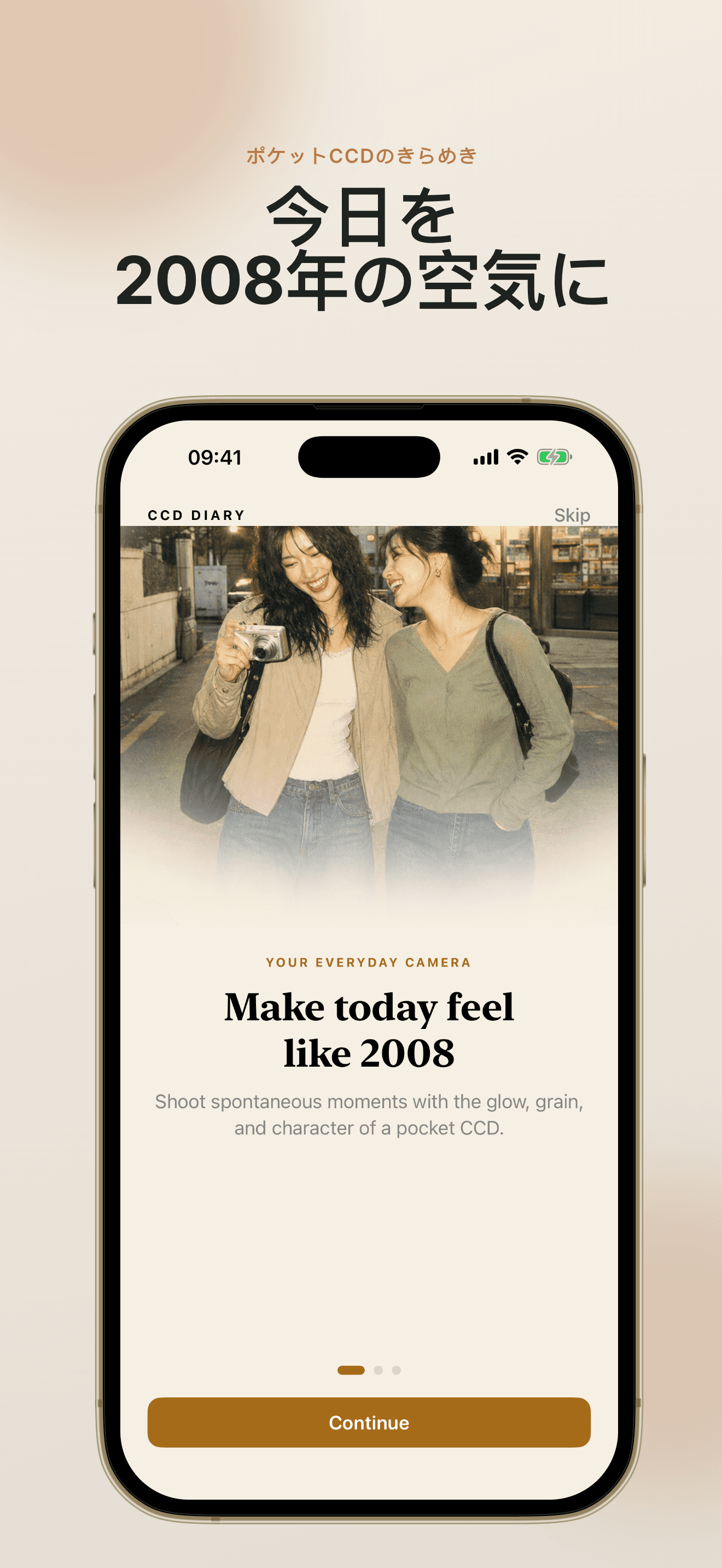
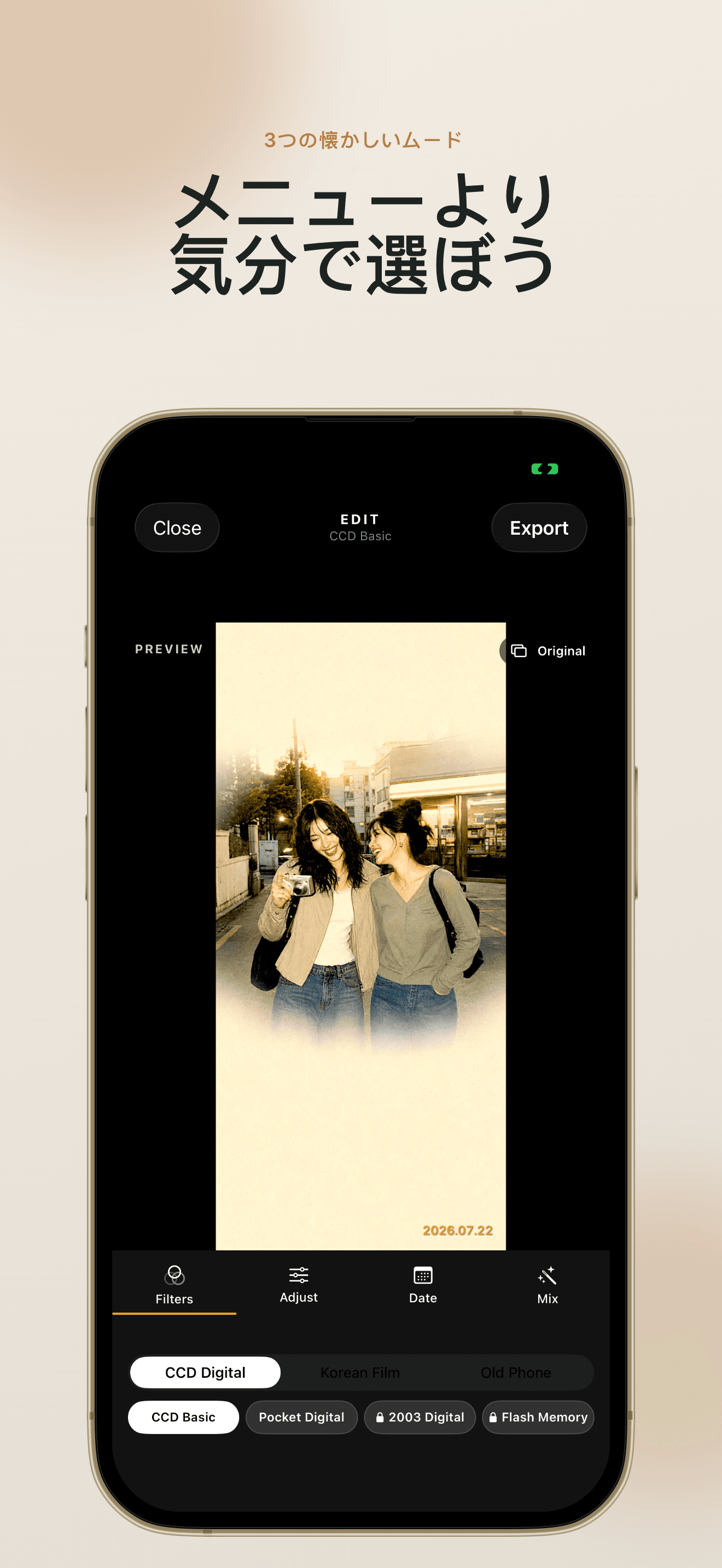
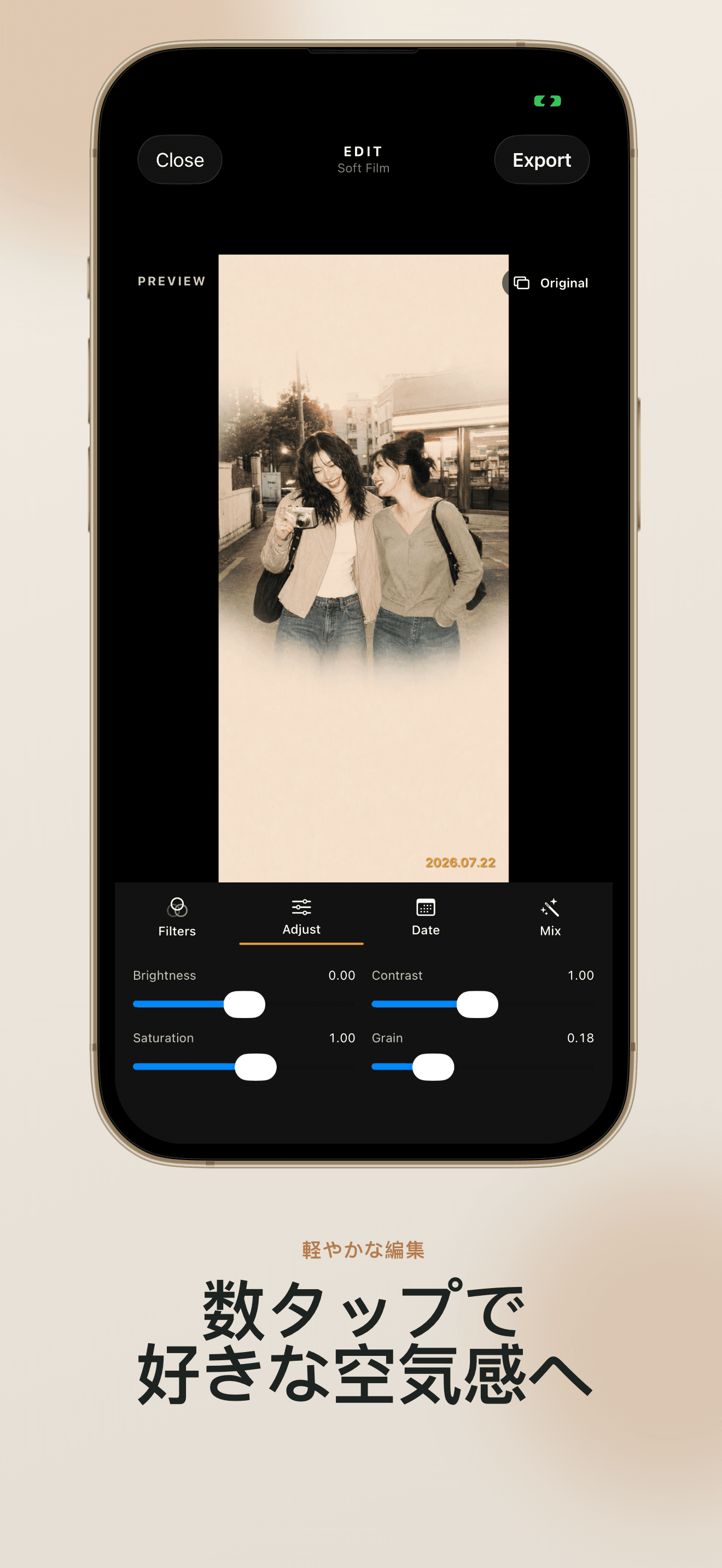
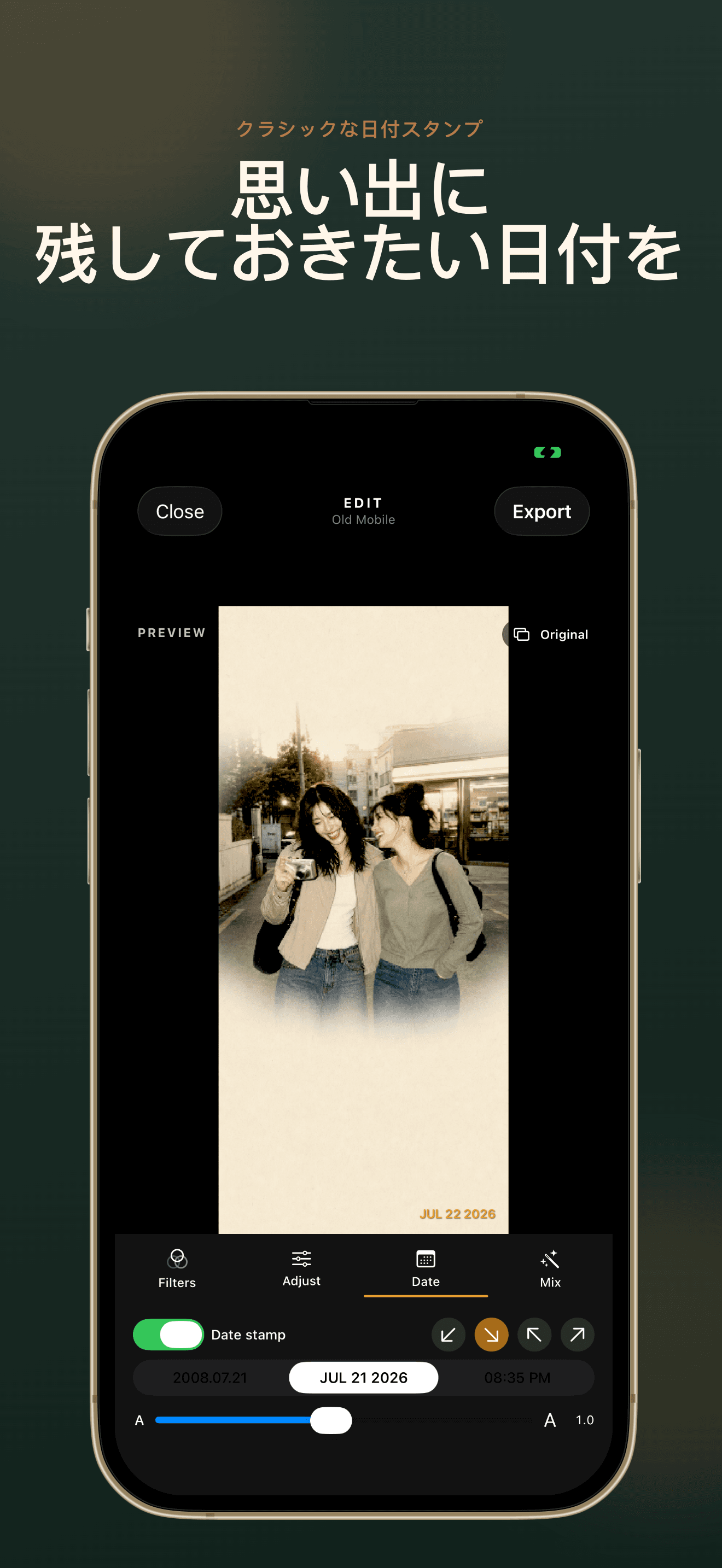
CCD Diary: Vintage CameraはポケットCCDの輝き、柔らかな韓国フィルム、初期スマホ質感など、本当に懐かしいムードに集中しています。
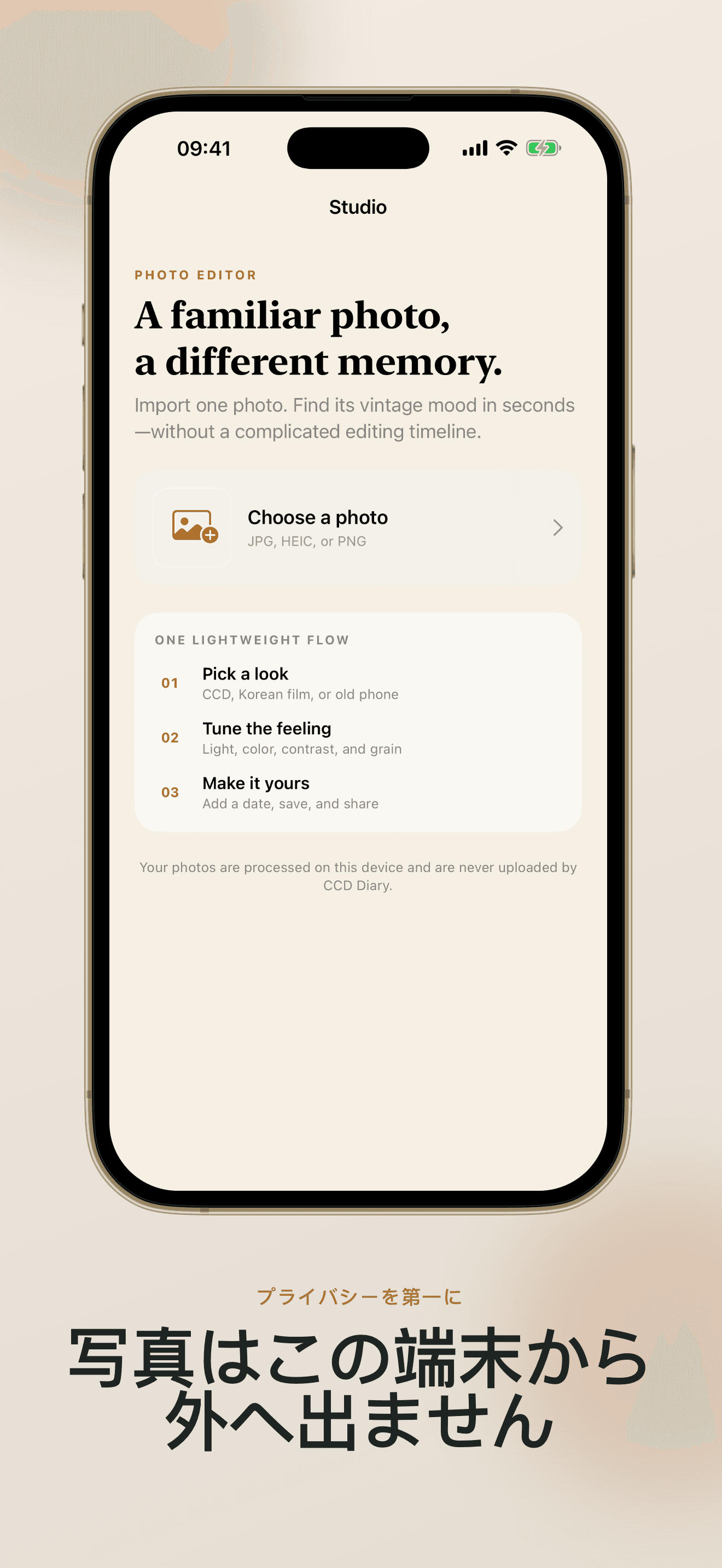
Open CCD Diary: Vintage Camera, point, and see the retro look before you tap the shutter. Switch cameras, use flash, or import a favorite photo from your library—CCD Diary: Vintage Camera works either way.
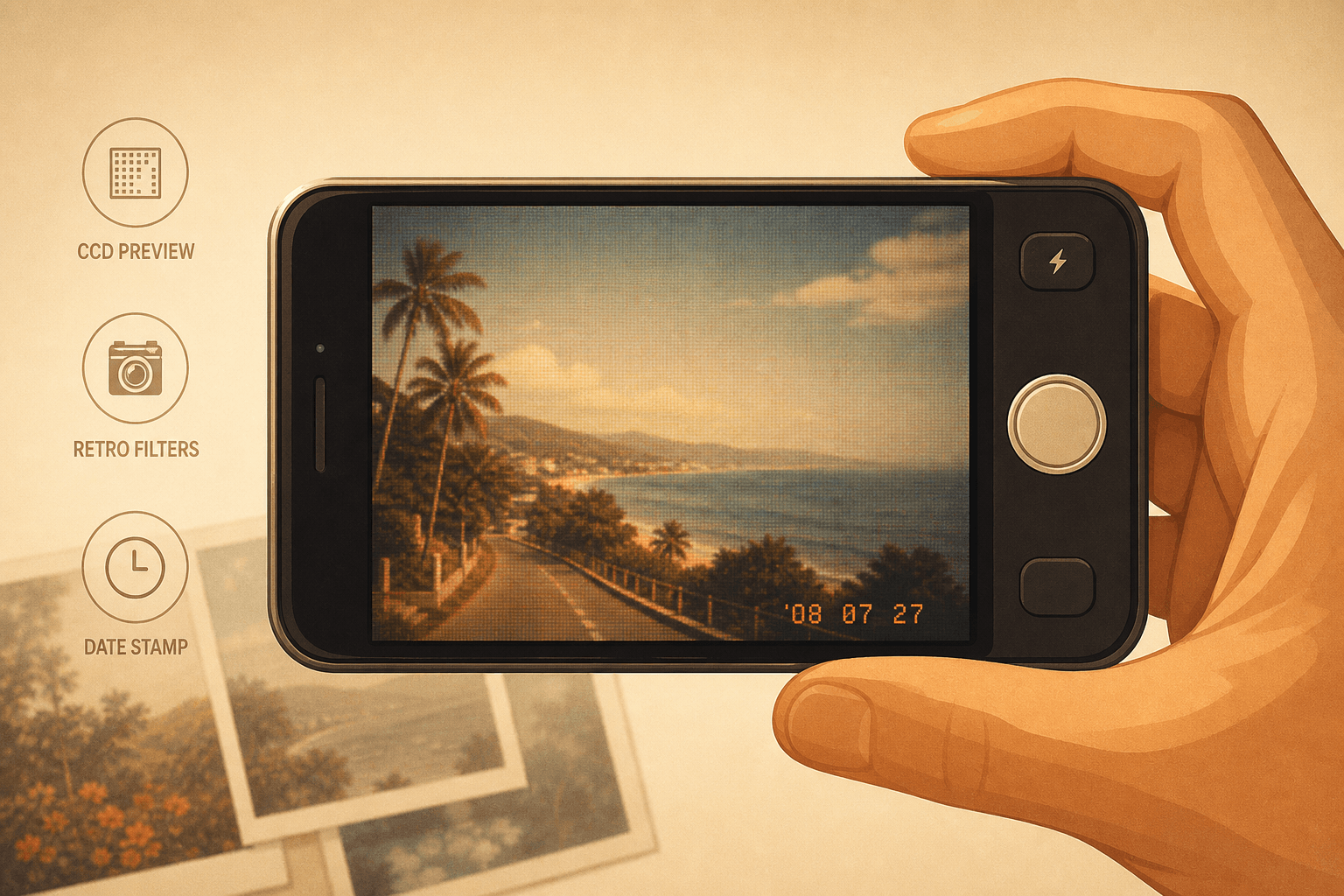
CCD Diary: Vintage Camera groups filters into CCD Digital, Korean Film, and Old Phone styles. Adjust brightness, contrast, saturation, and grain without a complicated timeline—CCD Diary: Vintage Camera keeps editing lightweight.
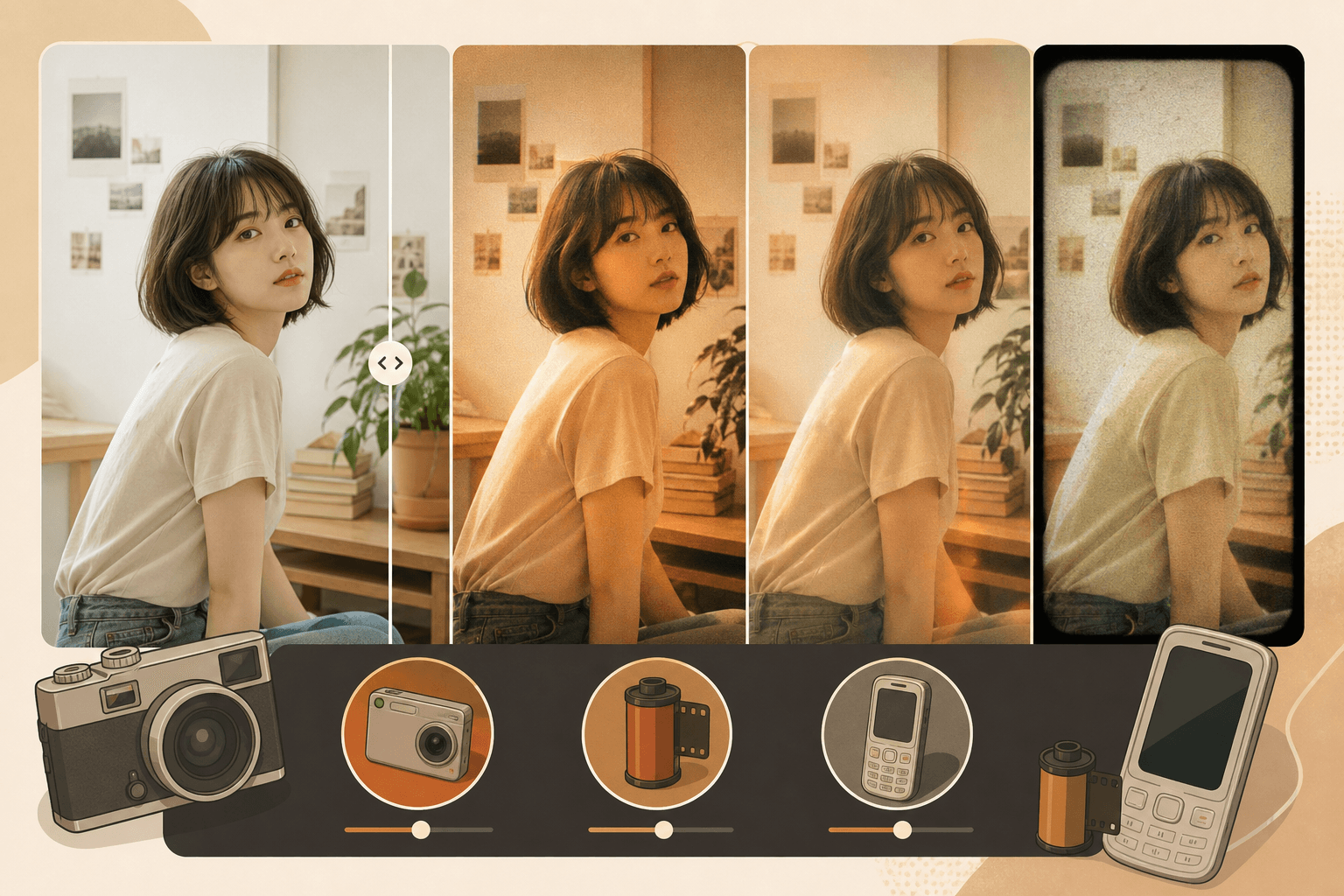
Choose a classic date or time stamp, place it where it feels right, and adjust the size. CCD Diary: Vintage Camera also offers Nostalgia Mix to combine filter, grain, color, and date in one tap.
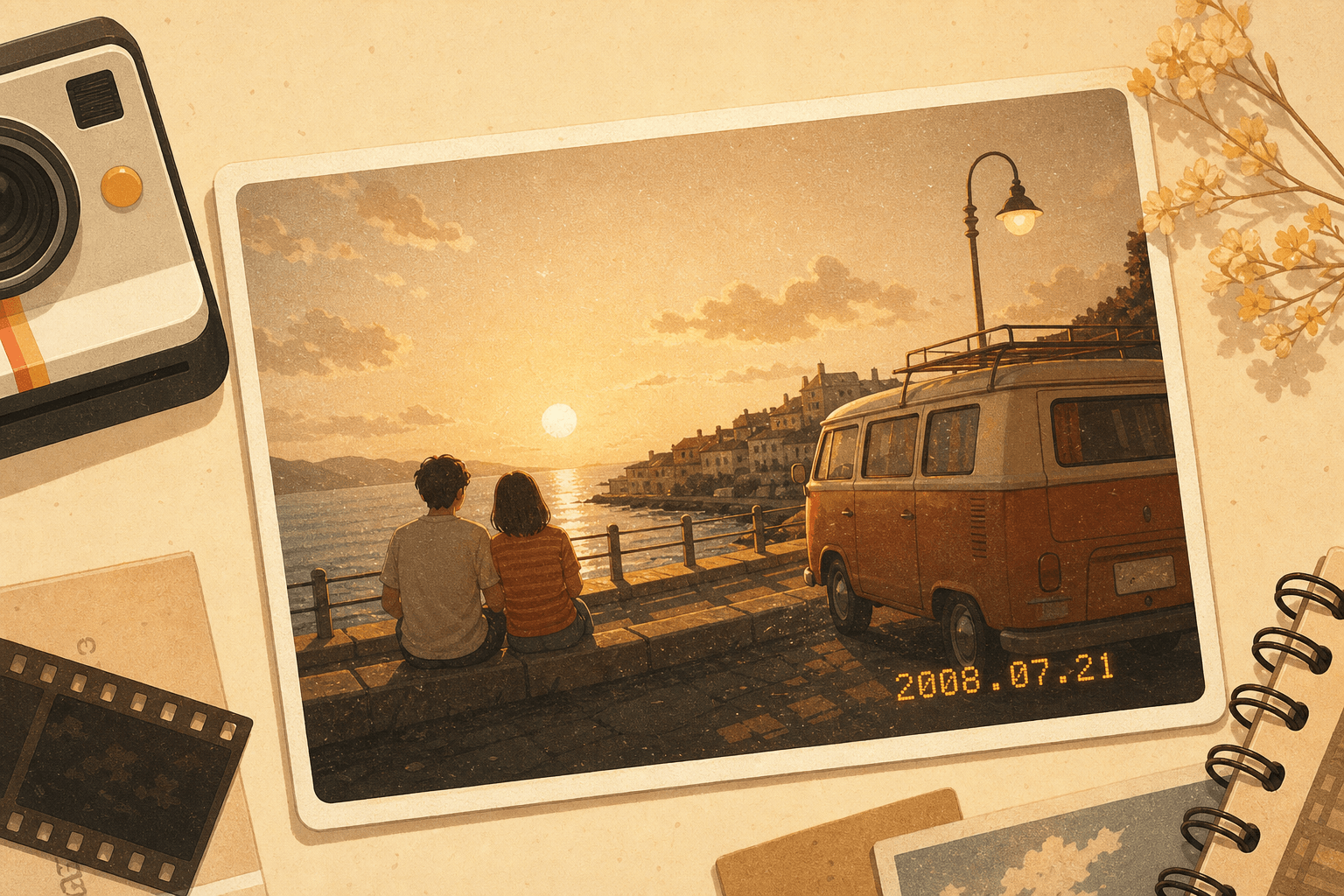
CCD Diary: Vintage Cameraのすべては、素早いノスタルジック編集のために設計されています。
Shoot with a live CCD Diary: Vintage Camera preview, switch lenses, use flash, or import from Photos.
CCD Digital, Korean Film, and Old Phone styles—6 free, 6 Pro—inside CCD Diary: Vintage Camera.
Three date styles, four positions, adjustable size—CCD Diary: Vintage Camera makes every photo feel dated on purpose.
One tap in CCD Diary: Vintage Camera combines filter, grain, color, and date for an instant vintage finish.
CCD Diary: Vintage Camera processes photos on your iPhone. No uploads, no account, no tracking SDKs.
Unlock all filters, 4 one-tap presets, advanced effects, and full-resolution export in CCD Diary: Vintage Camera.
ダウンロードから最初のノスタルジック写真まで—数タップで完了。
Install CCD Diary: Vintage Camera on your iPhone running iOS 17 or later. No account is required—open the app and start shooting or importing right away.
Choose CCD Digital for pocket-camera glow, Korean Film for soft rainy-day color, or Old Phone for early smartphone texture. Free users get 6 filters; Pro unlocks all 12 plus advanced effects.
Try Nostalgia Mix in CCD Diary: Vintage Camera for a one-tap vintage combination.
Add a date stamp, save to Photos, or share to your favorite social apps. CCD Diary: Vintage Camera processes everything on your device—your images are never uploaded.
Pro users export in full resolution without the CCD Diary watermark.
Read FAQCCD Diary: Vintage Camera、プライバシー、Proに関するよくある質問。
CCD Diary: Vintage Camera is an iPhone app that turns everyday photos into nostalgic 2000s memories. Shoot or import, apply CCD, Korean film, or old-phone filters, add date stamps, and save—all on your device.
No. CCD Diary: Vintage Camera processes every image locally on your iPhone. Your photos are never uploaded to our servers.
No account is required. Open CCD Diary: Vintage Camera and start editing immediately.
Pro unlocks all 12 filters, 4 one-tap presets, advanced effects (dust, light leak, film burn, vintage blur, color fade), and full-resolution export without watermark.
CCD Diary: Vintage Camera requires iOS 17.0 or later.
Tap Restore Purchases in Settings or on the paywall. Purchase verification is the only feature that requires network access.
Turn today's moments into memories that feel like a pocket camera from 2008.
CCD Diary: Vintage Camera is free to download—start with 6 filters and upgrade when you're ready.
App Store · iOS 17+ · アカウント不要